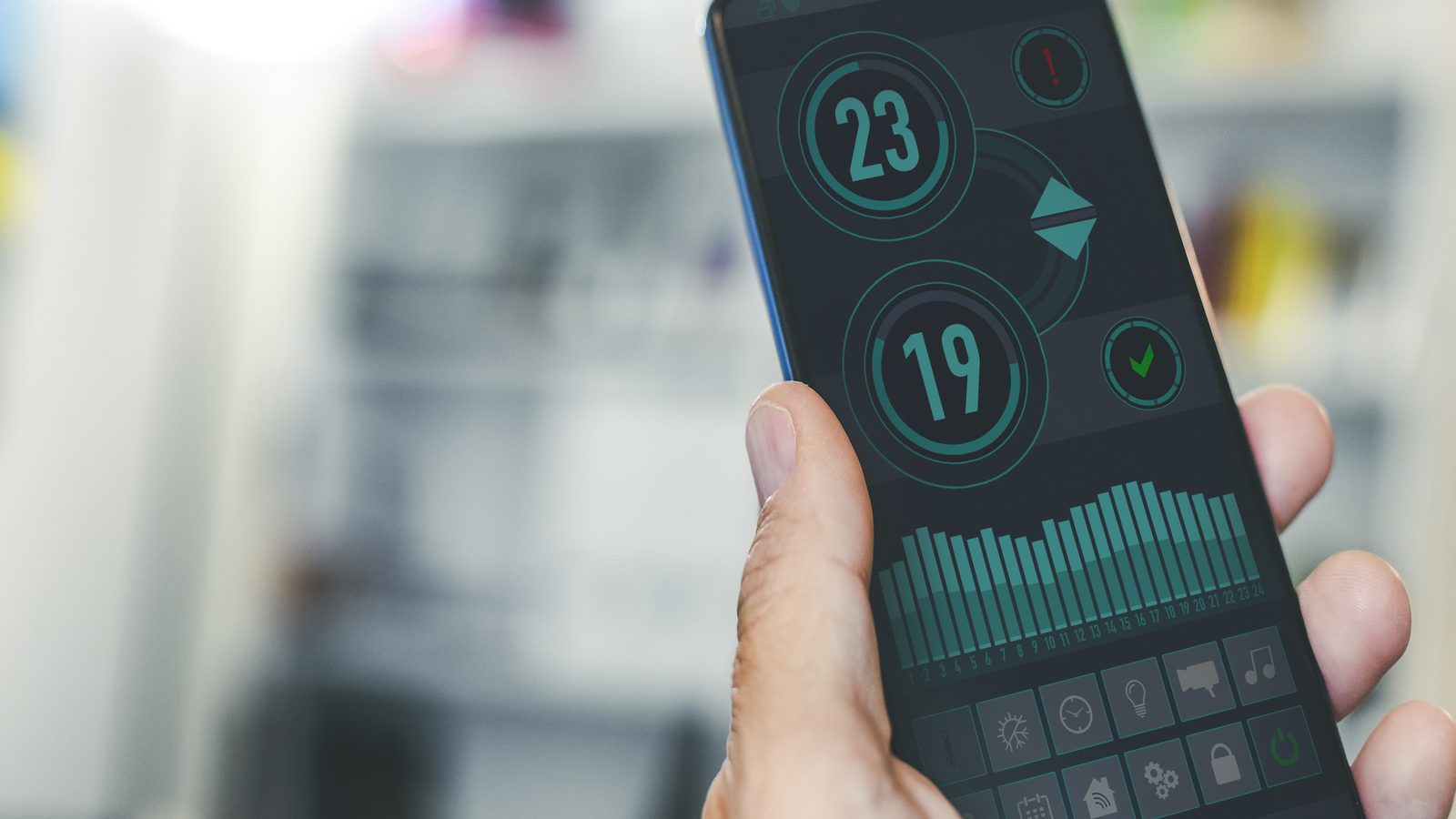
Mobile controller latency is one of those topics that sounds dry until you lose a match because of it. This guide covers why using a phone as a game controller is appealing, what latency actually does to competitive play, where interface friction ruins quick match design, and practical observations drawn from testing web input behaviour across different devices and network conditions. The analysis comes from direct measurement and repeated play testing rather than theoretical frameworks. For the broader controls overview, see Controls. For tactical implications, visit Strategy.
Why Mobile as Controller Is Appealing
The idea of using your phone as a game controller is genuinely compelling. Most people carry a phone everywhere. It has a touchscreen capable of registering nuanced input. It connects wirelessly to other devices. And it sits comfortably in your hands in a grip that loosely resembles holding a gamepad.
For a browser football game, this setup solves the screen real estate problem. The main display shows the full match without cluttering the view with touch controls. The phone screen becomes a dedicated input surface optimised for the specific actions the game requires. Viewing and controlling happen on separate devices, which lets each device do what it does best.
The appeal extends to social contexts too. A group of people can watch a match on a shared screen while each controlling their participation from their own phone. This second screen model was actively explored by the games and broadcast industries in the early to mid 2010s, and Goaler was one of the projects that applied the concept to competitive gameplay rather than passive consumption.
The performance dimension is also well documented. Google’s web.dev guidance on Interaction to Next Paint provides practical frameworks for measuring and improving the responsiveness of web based interactions, which directly applies to how mobile controller input should be evaluated and optimised.
What Latency Does to Competitive Play
Latency in this context means the time between your thumb pressing the phone screen and the corresponding action appearing on the match display. This chain involves several stages: touch registration on the phone, processing by the phone’s browser, network transmission to the main screen, processing by the main screen’s browser, and rendering of the visual result.
Each stage adds time. On a well optimised local network with modern devices, the total can be under 80 milliseconds, which feels essentially instant to most players. On a poor connection with older devices, the total can exceed 300 milliseconds, which is clearly noticeable and competitively significant.
The impact on gameplay scales with the precision requirements of each moment. During low stakes positioning phases, 200 milliseconds of latency is manageable. You are making broad directional inputs and the timing precision required is low. During shot attempts, where the optimal input window might be 100 to 150 milliseconds wide, an additional 200 milliseconds of latency means you need to input the shot before you visually see the opportunity. You are predicting rather than reacting, and prediction based play is a fundamentally different skill from reaction based play.
Defensive play is less latency sensitive than attacking play because defensive positioning is generally about sustained spatial coverage rather than frame precise timing. But defensive transitions, where you need to shift position quickly in response to an opponent’s attack, become harder as latency increases because the information about the attack arrives after the ideal response window has already narrowed.
What Interface Friction Ruins Quick Match Design
Beyond raw latency, interface friction refers to any aspect of the control system that adds cognitive load or physical difficulty to the input process. In quick match design, where every second matters and every input should feel automatic, interface friction is the enemy.
Common friction sources in mobile controller designs include buttons that are too small for reliable thumb targeting, button layouts that require repositioning your grip during play, visual indicators on the controller screen that demand attention you should be spending on the match display, and inconsistent haptic feedback that creates uncertainty about whether your input was registered.
The worst friction source is ambiguity. If a player is ever unsure whether they pressed the right control, or unsure whether their input registered, the competitive flow is broken. That moment of uncertainty, even if it lasts less than a second, can cost a goal because it delays the next decision in the input chain.
Well designed mobile controllers minimise friction by using large touch zones instead of small buttons, by providing clear but minimal visual feedback on the controller screen, and by mapping actions to spatial regions of the screen that align with the physical grip. The left side of the screen handles directional input. The right side handles action input. The mapping is intuitive because it mirrors decades of gamepad convention.
Practical Observations from Web Input Testing
Testing input latency on web based mobile controllers reveals several consistent patterns.
WiFi quality matters more than device speed. A fast phone on a congested WiFi network produces worse latency than a mid range phone on a clean, dedicated network. The network hop between phone and main screen is typically the largest contributor to total latency, and it is the variable most affected by environmental conditions.
Bluetooth input adds measurable overhead. In setups where the phone connects to the main device via Bluetooth rather than WiFi, the baseline latency is higher and the variance is greater. Bluetooth was designed for low bandwidth peripherals, not for real time game input, and the protocol’s connection management adds processing time at both ends.
Touch event handling in mobile browsers varies significantly. Chrome on Android registers touch events faster than Safari on iOS in most test scenarios, but the difference narrows on newer devices and iOS versions. The touch delay that older iOS versions imposed for gesture disambiguation has been largely addressed, but echoes of that delay can still appear in specific interaction patterns.
Screen refresh rate affects perceived responsiveness. A 120Hz phone screen updates twice as fast as a 60Hz screen, which means the visual confirmation of a touch input appears sooner even if the underlying processing latency is identical. This creates a subjective responsiveness improvement that matters for player confidence, even if the competitive impact is marginal.
Sustained sessions increase latency variance. Over extended play sessions, thermal throttling on the phone can increase processing time for touch events. This effect is more pronounced on thinner phones with less thermal headroom. Short match formats naturally mitigate this because the phone gets brief rest periods between rounds.
Design Implications for Browser Football
These observations have practical implications for how browser football games should design their mobile controller implementations.
First, the controller should communicate clearly when latency exceeds competitive thresholds. A simple indicator showing connection quality helps players understand when conditions are favourable for competitive play and when they might want to wait for better conditions.
Second, the game should adapt its timing expectations to measured latency. If the controller is adding 150 milliseconds of delay, the shot timing window should account for that rather than punishing the player for something they cannot control. This is technically challenging but competitively important.
Third, the controller interface should be designed for the worst case touch reliability rather than the best case. Large touch zones, clear spatial mapping, and minimal visual complexity on the controller screen ensure that the input system works even when conditions are not ideal.
Fourth, short match formats should be preserved because they naturally limit the impact of latency variance. A two minute match on a slightly slow connection is playable. A twenty minute match on the same connection would be frustrating because the cumulative impact of marginal latency compounds over time.
For the broader controls analysis, see Controls. For tactical adaptation to latency conditions, visit the strategy guide on short match tactics.